- Meeting Tips
Why Take Notes?
By Stephen Weber
There are two types of people in the world. Those that take notes and those that make friends with people that take notes.
Whichever category you fall in, there’s no denying that notes can significantly help the production of a team. Sharing essential information, remembering urgent tasks and referring to important discussions are vital to members that either don’t have a photographic memory or are simply unable to attend a meeting.
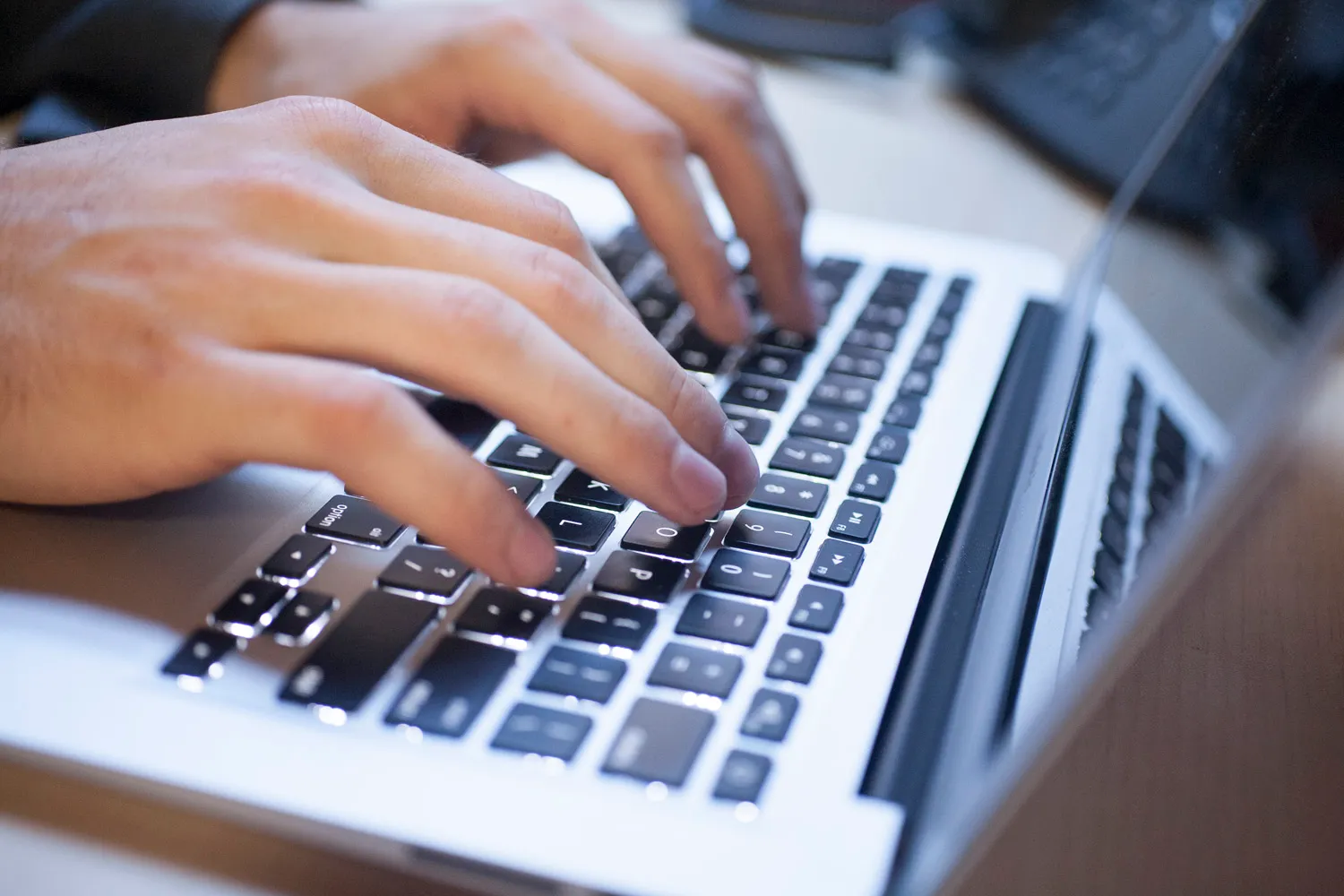
Don’t let notes scare you. It can be very easy to efficiently take notes in a meeting, without feeling like this guy:
Here’s a few note taking practices we endorse:
1) Don’t write down everything.
- Concentrate on listening first, documenting second. Fight the urge of writing every word and just summarize the valuable information. This will significantly cut the fat out of lengthy notes that people won’t want to read.
- It’s always better to have less information that will actually be read vs. lots of information that no one will ever read.
2) Send out meeting notes/tasks to attendees and all pertinent members of your team.
-
Notes aren’t just important for the people in the room- they also keep the decision makers in the loop when they don’t have time to attend.
-
Having a record of promises made during meetings holds coworkers accountable for their work. Assigning these tasks will keep them responsible and make it harder to have duties slip through the cracks.
3) Separate action items from your notes.
- Make action items easy to find and separate them from the rest of the notes to highlight the importance.
4) Send out notes ASAP.
- The longer you wait, the less likely it is for you to send it out / have others actually read it. If you are sending notes out several days after the meeting, the content becomes less relevant and gives the recipients less time to act on any tasks before the next meeting.
5) Find a system to easily share notes.
- The easier it is to share something, the more likely it will be shared. Whether you are using programs like Dropbox, Sharepoint, or Less Meeting *wink wink*, find a system that makes it easy to update and send.
How has note taking improved your meetings?